The Phone in GTA 6
Your phone runs half the game - rides, your bank, your car, your messages and what to do next. Here is every app we know of and how to use it.

Updated
The short version
- Press Up on the D-pad to bring out the phone. It works while you are driving too.
- BuckMe is your bank, RydeMe is your ride, and Scooter Bros brings your car to you.
- Waink scans a car before you take it, so you know what you are stealing.
- WhatUp is where your texts arrive. Answer your partner’s.
- Reminders tells you who is waiting on a call or a text.
- Not every app is there from the start. Several arrive as the story goes on.
Opening the phone
Press Up on the D-pad, then move to the app you want and open it with X A . The screen also shows the in-game time.
Two shortcuts are worth learning early:
- Up then Square X opens Reminders.
- Holding Up goes straight to the Waink scanner.
The apps
These are the ten apps we know of.
| App | What it is for |
|---|---|
| Contacts | Calls, including Paradise Taxi and mechanic |
| Reminders | Who to call, texts, news and posts |
| WhatUp | Messages, including your partner’s |
| BuckMe | Your bank account and savings |
| RydeMe | Rides you can skip for $100 |
| Scooter Bros | Bringing your car to you |
| Waink | Scanning a vehicle |
| Snapmatic | Social posts |
| Fitness | Tracking your workouts |
| Vice City Real Estate | Buying garages |

Image courtesy of Rockstar Games
BuckMe
BuckMe is the bank. Your Checking Account arrives with the Chapter 1 mission Buck Me, and from then on anything over $1000 has to be paid for from it. Cash covers the smaller things.
Jason and Lucia each have their own account. Each has a balance limit, which rises as the story goes on. If you hit the limit, incoming payments wait as pending until there is room.
To put cash in the bank:
- Press Up on the D-pad and open BuckMe.
- Scroll to the bottom and choose ATM Finder. It sets the nearest ATM as your destination.
- At the ATM, press Triangle Y and choose Deposit.
BuckMe also holds Family Savings, one pot shared by both characters, with five savings goals to work towards.
There is more on all of this in the money guide.
RydeMe
RydeMe is the ride app, and the closest thing GTA 6 has to fast travel. It charges your BuckMe account, so it only works once you have one.
- Open RydeMe and choose where to go.
- Get in, then hold L2 LT to focus on the driver.
- Hold Triangle Y to skip the trip for $100 on top of the fare.
Before you have RydeMe, Paradise Taxi does the same job for cash. Its number is in Contacts from early in Chapter 1. The full rundown is in Getting Started.
Scooter Bros
Scooter Bros brings a car you own to wherever you are, and can repair it or get it back from the police impound. A car is yours once it is registered at a Pay ‘n’ Spray.
You pay each time. The fee depends on how far the car has to come and what state it is in. Scooter Bros Premium costs $12,500 and gives you three free uses every in-game day.
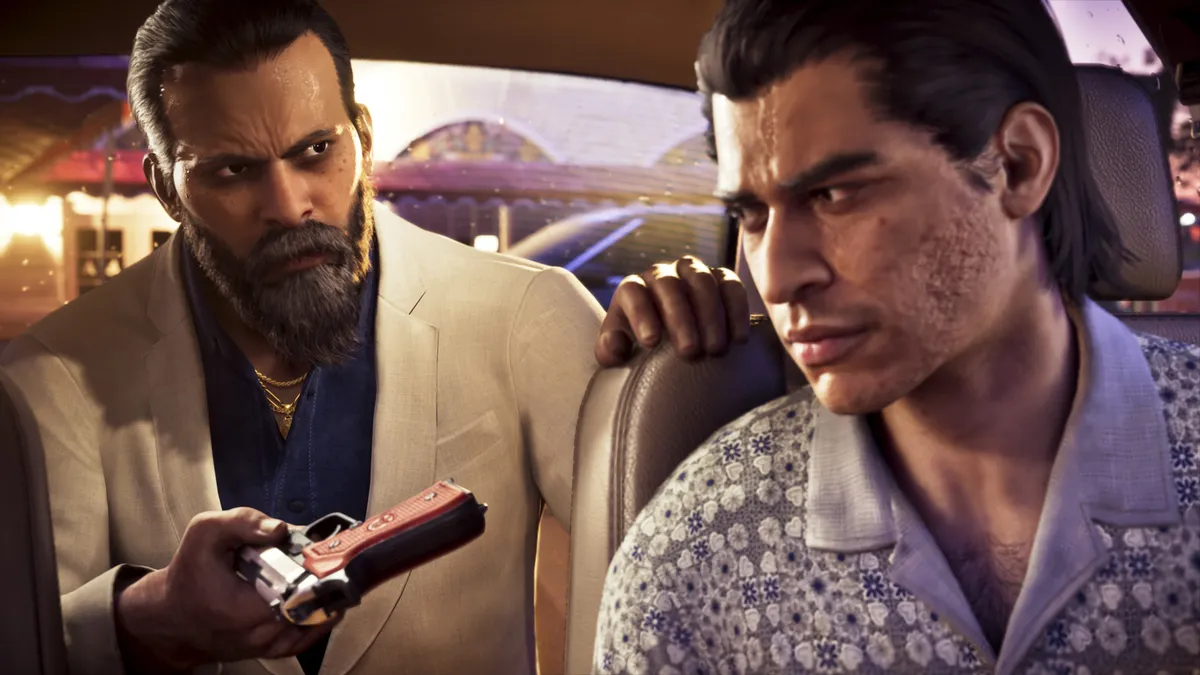
Image courtesy of Rockstar Games
Waink
Waink is the scanner. Use it on any car or bike before you take it.
- Hold Up on the D-pad to bring it up.
- Point your phone at the vehicle.
- Press R1 RB to scan.
It shows the security system, what the vehicle would sell for, what it would cost to register and which fences would buy it. The thing to look for is the tracker. A car with an advanced tracker keeps alerting the police, and some buyers will not touch it.
It is not only for cars. If your controller gives a strong pulse while you are on foot, there is something nearby to scan.
WhatUp
WhatUp is the messaging app. Texts from your partner and from other characters arrive here. You cannot type a reply. The game gives you a few to choose from.
Answer your partner’s messages. A quick reply raises the relationship between Jason and Lucia, and ignored messages lower it. If you tell your partner to split off after a robbery, they will message you to ask whether to sell what you stole or come and meet you.
To check in fast, hold Right on the D-pad. When a blue icon shows on your partner’s picture, press Triangle Y to message them.
Reminders and Snapmatic
Reminders gathers the people you should call, texts waiting for an answer, news stories and Snapmatic posts in one list. It rarely moves the story on, but it is where side missions tend to start. One reviewer liked a recommended Snapmatic post and got a phone call and a run of side missions out of it.
Snapmatic is the social feed, and it looks a lot like Instagram. It holds hundreds of posts, videos and comments from people around Leonida. More appear as the story goes on, because people react to what has happened. Jason and Lucia do not post. They can only scroll.
The fitness app
Both characters have a fitness app that tracks their workouts and shows when the next exercise window is open, which is roughly once every in-game day. Stop once the ring closes, then eat a protein bar or have a shake to lock in the gain.
Radio and podcasts
Your phone also plays the radio and the game’s on-demand podcasts, in a vehicle or on foot.
- Hold Left on the D-pad to open the radio.
- Push the right stick down to reach the podcasts.
- Pick an episode and press X A to play it.
You can pause a podcast and pick it up later from the same place.
To listen on foot you need headphones or earbuds. Electronics shops sell them from about $100, and Jason and Lucia each need their own pair. Equip them in the headgear slot of your loadout.
The police scanner
Early in the game Jason’s friend Cal installs a homemade police scanner on his phone. From then on you hear officers reporting your crimes, your car and what you are wearing. Lucia’s phone has the same app.
There is nothing to open. It runs by itself whenever the police are looking for you.
Vice City Real Estate
This app sells garages, and each one gives you more places to keep cars and bikes. It becomes available during a story mission, so it will not be on your phone at the start.
What the phone does not have
There is no web browser, and GTA 6 has no websites. Everything GTA 5 did on its fake internet is done through an app or in person.
There is no dating app on your phone either. The only one in the game belongs to Cal, and you swipe through it for him once, at a party in Chapter 1. The dating app article has the full story.
Phone & Apps
Frequently asked questions
How do you use the phone in GTA 6?
Press Up on the D-pad to bring it out, then move to the app you want. It works while you are driving, and the screen shows the in-game time. Two shortcuts are worth knowing: Up then Square or X opens Reminders, and holding Up goes straight to the Waink scanner.
What is BuckMe in GTA 6?
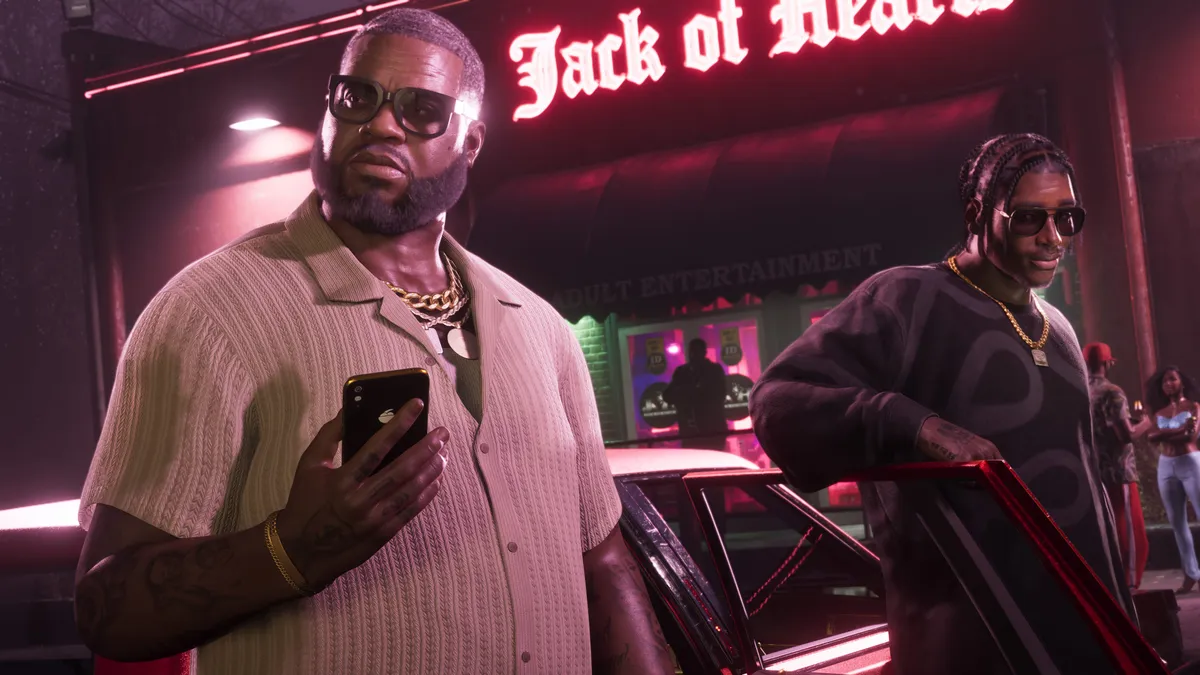
BuckMe is the banking app. A Checking Account unlocks during Chapter 1 and handles every purchase over $1000; cash covers smaller ones. Jason and Lucia have separate accounts with a balance limit that rises as the story goes on. Family Savings is one shared pot, and money moved into it cannot be taken back out.
How do taxis and RydeMe work in GTA 6?
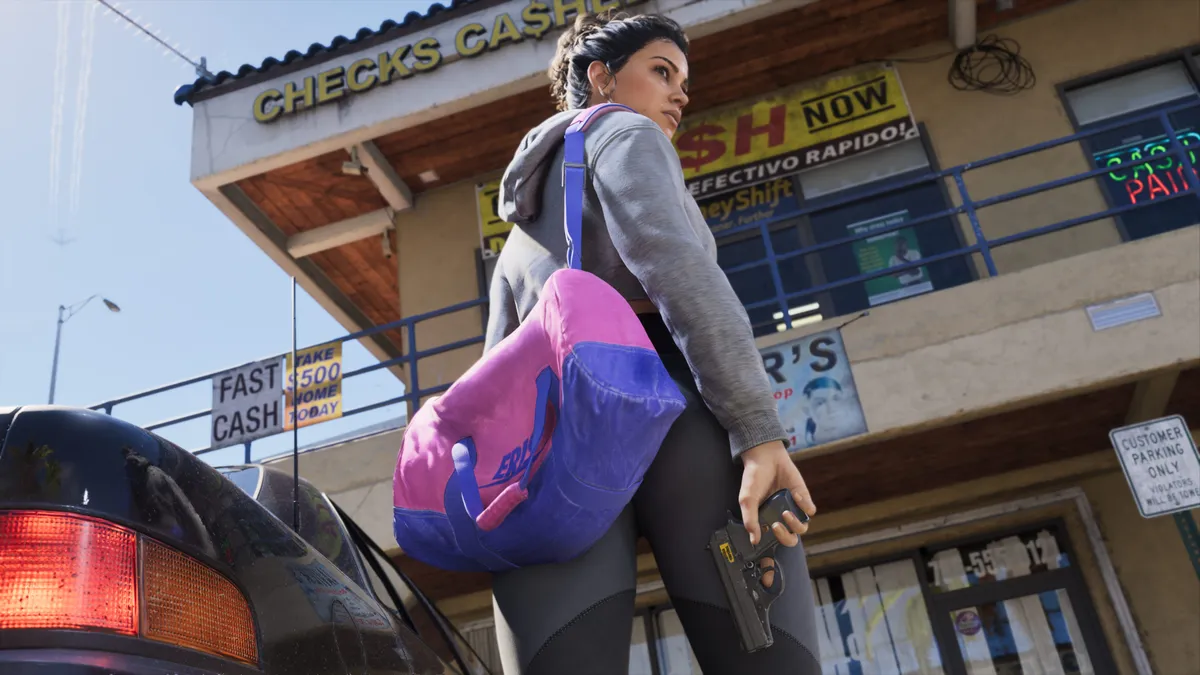
Paradise Taxi comes first: its number lands in your phone contacts early in Chapter 1, and it takes cash. RydeMe is an app that charges your BuckMe bank account, so it only works once you have one. Either way, focus on the driver and pay $100 extra to skip the trip. Longer rides cost more than short ones.
What is WhatUp in GTA 6?
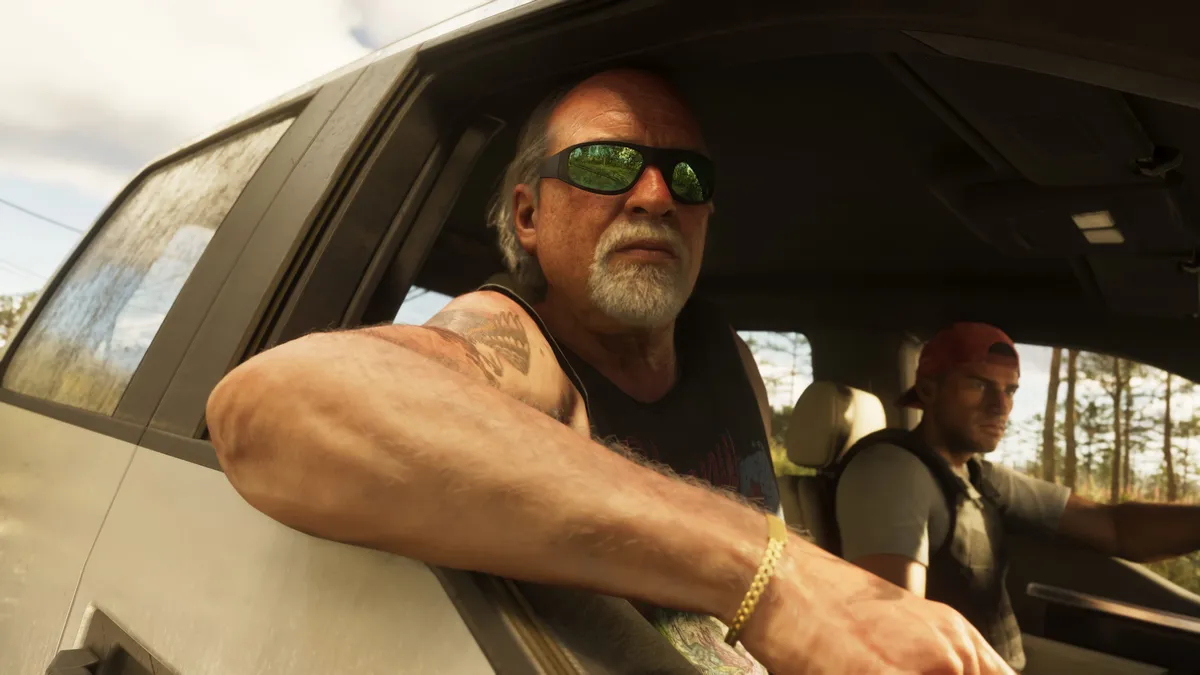
WhatUp is the messaging app. Texts from your partner and other characters arrive there, and you answer with replies the game offers. Answering your partner raises the relationship between Jason and Lucia. Ignoring their messages lowers it.

Why can you hear the police radio in GTA 6?
Because of an app on your phone. Early in the game Cal Hampton installs a homemade police scanner on Jason's phone. From then on you hear officers reporting your crimes, your car and what you are wearing. Lucia's phone has the same app.
Does GTA 6 have websites or an in-game internet?
No. GTA 6 has no web browser and no websites. Everything GTA 5 did on its fake internet is done through phone apps or in person. Rockstar's Rob Nelson said websites did not feel necessary, and that they could come back in a later game.

What apps are on the phone in GTA 6?
The phone has at least ten apps: Contacts, Reminders, WhatUp for messages, the BuckMe bank, the RydeMe ride app, Scooter Bros for car delivery, the Waink scanner, Snapmatic, a fitness tracker and Vice City Real Estate for buying garages. Several arrive during the story. BuckMe comes in Chapter 1, and the real estate app later.

What is the Waink app in GTA 6?
Waink is the scanner. Hold Up on the D-pad, point the phone at a car or bike and press R1 or RB. It shows the security system, the sale value, the cost of registering it and which fences would take it. A strong pulse in the controller while on foot means something nearby can be scanned.

What does the fitness app do in GTA 6?
It tracks workouts for Jason and Lucia and shows when each one's exercise window is open. GameSpot's advice is to stop once the fitness ring closes, then have a protein bar or shake to lock in the gain. The window opens again roughly every in-game day.

Can you listen to music and podcasts on foot in GTA 6?
Yes, once you have headphones or earbuds. Electronics shops sell them from about $100, and Jason and Lucia each need their own pair. Hold Left on the D-pad for the radio, then push the right stick down for the on-demand podcasts. Headphones can be knocked off in a fight, so pick them up afterwards.
Is there a dating app in GTA 6?
Yes, but it is not on your phone. The only dating app in the game belongs to Cal Hampton, Jason's friend. In the Chapter 1 mission Coming Home you can swipe through the options on it for him. Jason and Lucia cannot date anyone else.
Read the full article →