Getting Started in GTA 6
What GTA 6 does not spell out in its first hours - getting around, getting your car back, finding the next mission, saving, and keeping hold of your money.

Updated
The short version
- There is no fast travel from the map. You take a taxi or a RydeMe and pay $100 extra to skip the ride.
- Your car can come to you. Once a car is registered as yours, the Scooter Bros app on your phone delivers it.
- The map has an Index. It lists everything you can do next, story missions first.
- Save by hand, and keep old saves. There are 15 slots and no way to replay a mission.
- Cash in your pocket can be lost. Getting busted or wasted takes it. Money in the bank is safe.
- The game tracks how you play. The more people you kill, the more aggressive your Criminal Profile becomes.
Nothing below gives away the story.
Getting around
You cannot open the map and jump to a point. What GTA 6 has instead is a handful of rides, and most of them let you skip the journey for a price.
| Way | How you get it | Cost |
|---|---|---|
| Paradise Taxi | Early in Chapter 1 | Fare, plus $100 to skip |
| RydeMe | Needs a bank account | Fare, plus $100 to skip |
| Bus or train | Wait at a stop | A small fare |
| Switching character | From Chapter 2 | Free |
| Auto-drive | Any vehicle | Free, but slow |
Taxis and RydeMe
Paradise Taxi comes first. Its number is added to your phone contacts early in Chapter 1, and it takes cash. RydeMe is an app that charges your BuckMe bank account, so it only works once you have one. The launch guides differ on exactly when RydeMe turns up: one ties it to the mission Buck Me, another to Chapter 2.
Both work the same way:
- Press Up on the D-pad to bring out your phone. Call Paradise Taxi from Contacts, or open RydeMe.
- Choose where to go: your safehouse, your map marker, or a new point on the map.
- Get in, then hold L2 LT to focus on the driver.
- Hold Triangle Y to skip the trip, or sit back and ride.
Longer trips cost more. A taxi will not come out to somewhere cut off, such as a small island or the middle of a swamp.
Buses and trains
Leonida has a working bus and train network. Both run to a timetable, so you wait at a stop or station for the next one, pick a stop on the route, then hold Triangle Y to skip the journey if you want to. The network is handier inside Vice City than outside it, though one train line runs right across the state. Hold Down on the D-pad to see the stops near you.
Switching character
The cheapest trick of all. The character you are not playing usually stays near your current safehouse, so switching to them gets you home for nothing. It only works once the story lets you switch, which is in Chapter 2 - see Switching between Jason and Lucia.
Auto-drive
- Set a waypoint on the map.
- In a vehicle, hold Down on the D-pad and press Options Menu for the cinematic camera.
- Hold Circle B to start auto-drive, then pick a cruising speed.
Your character follows the rules of the road, so it is slow. It is a good way to see the state, and the trip still clears the fog on your map.
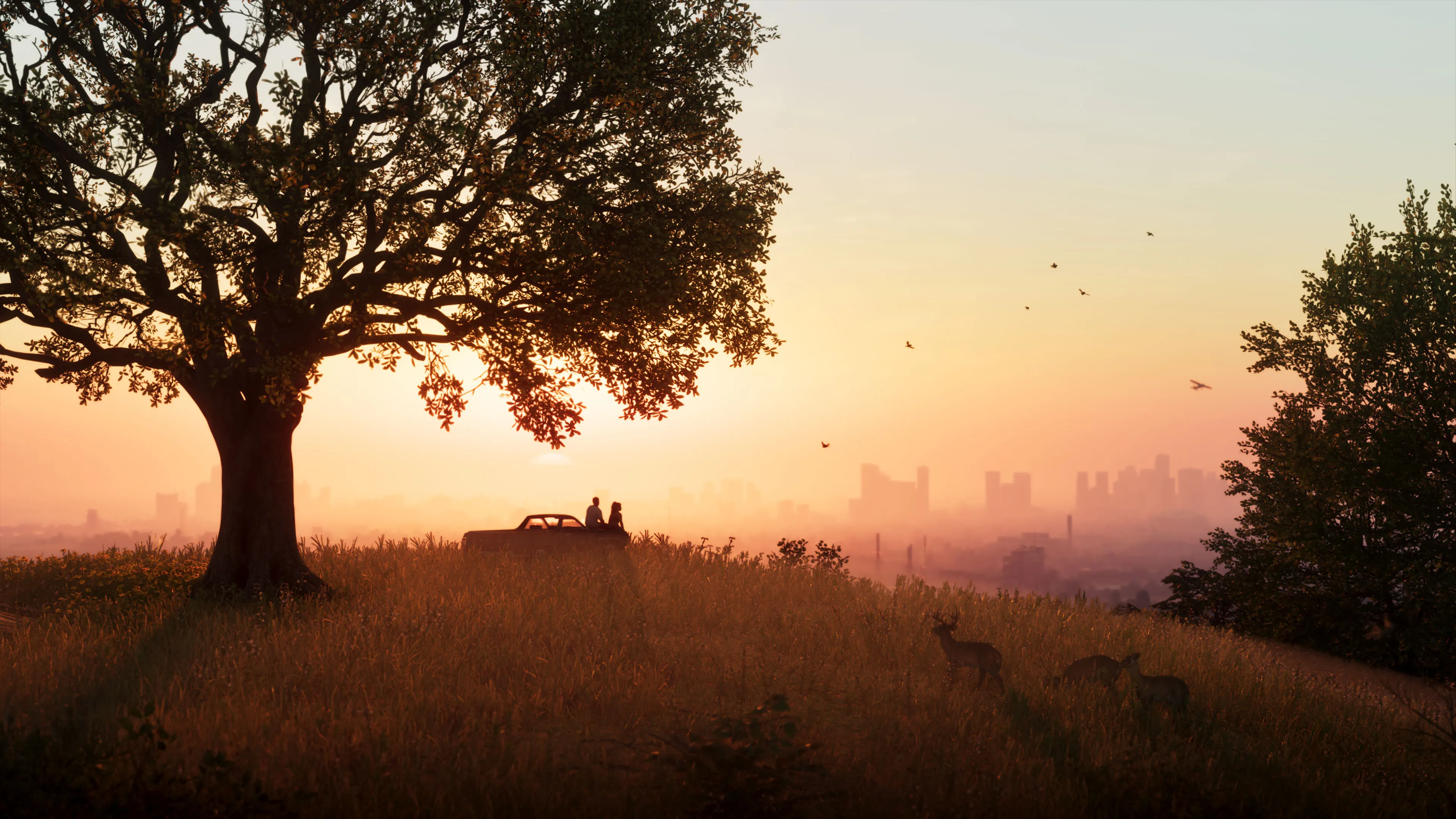
Image courtesy of Rockstar Games
Your car
Getting it delivered
The Scooter Bros app brings a car you own to wherever you are. The car has to be yours first, which means registering it - see “Keeping a car you stole” below.
- Press Up on the D-pad and open Scooter Bros.
- Ask for your car.
- It is dropped nearby and marked on your minimap.
You pay each time, and the fee depends on how far the car has to come and what state it is in. The app can also repair a vehicle and get one back from the police impound. Scooter Bros Premium costs $12,500 and gives you three free uses every in-game day, which is worth it later rather than at the start.
Repairs
| Where | What you get |
|---|---|
| Pay ‘n’ Spray or a Mod Shop | A full repair, for a fee |
| Gas station | Minor repairs only |
| Scooter Bros app | A repair with delivery |
| Your mechanic, by phone | A repair where you are |
Pay ‘n’ Spray and the mechanic both arrive with the Chapter 1 mission Just a Scratch.
To check on your engine, press Down on the D-pad while driving. The engine icon above the minimap goes from green to orange to red as the damage builds.
Keeping a car you stole
Drive it to a Pay ‘n’ Spray and choose Register. The fee depends on what the car is worth, so a wreck is cheap to keep. You need a free stored vehicle slot, and buying garages later gives you more of them.
Before you take a car, scan it. Hold Up on the D-pad to bring up the Waink app and point your phone at the vehicle. It shows the security system, what the car would sell for and what registering it would cost. A car with an advanced tracker keeps alerting the police, so leave those alone early on.
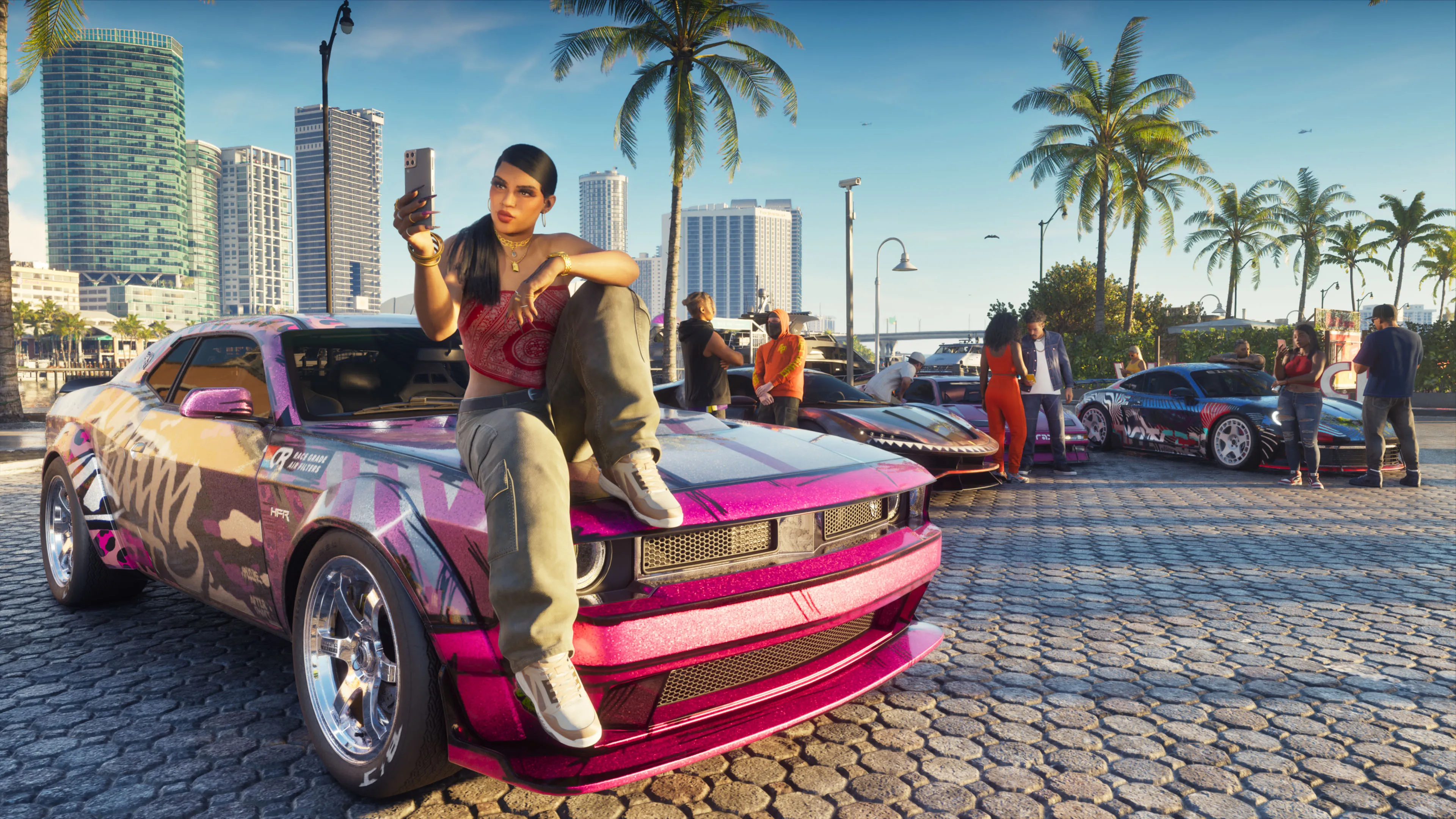
Image courtesy of Rockstar Games
Finding what to do next
The Index
The Index is a menu beside the map that lists everything you have found, and it is the quickest way to see what to do next.
- Touchpad Open the map.
- Press Right on the D-pad to open the Index.
- Go to Story. The missions that move the story on are listed first. Optional ones sit underneath and can be done whenever you like.
- Pick a mission and press X A to set it as your destination. You can have one destination at a time.
Out in the world, hold Down on the D-pad to see missions and places near you. Anything newly found is marked in the Index with an orange diamond.
Reminders
Press Up on the D-pad, then Square X . Reminders is an app on your phone: a list of people to call, texts to answer, news stories and Snapmatic posts. It rarely moves the story forward, but it can lead somewhere: one reviewer liked a recommended Snapmatic post and got a phone call and a run of side missions out of it. Look here when you are not sure what to do.
How the map fills in
The map is covered by fog that clears as you travel. Stores, activities and missions are added to the map and the Index as you find them. One long auto-drive trip uncovers a lot of it early.
Which buildings you can go into
On the map, darker blue buildings have an interior and lighter blue ones do not. Up close, the minimap marks the door you can use, usually with a white line, and shows hidden rooms and staircases. In Focus Mode, a white door can be opened and a red one is alarmed.
Day and night
Days and nights last much longer than in earlier GTA games, and they matter. Some shops shut at night, and the police respond differently after dark. Your phone shows the time, and sleeping at your safehouse skips through the night.

Image courtesy of Rockstar Games
Playing the story
Story first, or explore?
You can take your time. Every major side mission can be done in any chapter, so wandering does not cost you anything big, though some characters and activities come and go as the story moves.
There are two reasons to push the story on a little first. You cannot switch between Jason and Lucia until Chapter 2, and most robberies are much easier with the two of them. Banks are best left until Chapter 3, because the cash in them carries dye packs until you have the tool to deal with them.
Switching between Jason and Lucia
You cannot switch at the start. If you bring up the two pictures early on and one is greyed out, that is why - it is not something you are pressing wrong. Switching opens up at a point in Chapter 2.
From then on:
- Hold Right on the D-pad.
- Press R1 RB to switch.
Even after that, a greyed-out picture means your partner is busy. Try again a little later. A J or an L on the map marks a mission only that character can play.
To bring your partner to you, hold Right on the D-pad and press Triangle Y . They drive to where you are, or to your destination if you have one set.

Image courtesy of Rockstar Games
Saving
You can save at almost any time, in one of 15 slots.
- Open the pause menu.
- Choose Game.
- Pick a slot.
- Select Save Game.
There is also a hidden auto-save, which runs after missions and whenever you are wasted or busted. Turning on cheats switches saving off.
You cannot replay missions
Once a mission is done, there is no option to play it again, and there are more than 90 of them in the main story. The only way to see one again is to load an earlier save.
How you play matters
The Criminal Profile
The game keeps a profile of how you behave. Killing pushes it towards aggressive, which changes how people and the world respond to you. It reaches your partner too: a violent Lucia acts more violently when you are not the one controlling her.
To keep it down, grab enemies and knock them out, or shoot for arms and legs rather than the head and chest. A yellow marker means someone is out of the fight, and a red one means they are dead. Small things earn good behaviour points as well, such as petting animals and putting your litter in a bin. Some missions also branch, and the path you take feeds the profile.
Losing the police
The police find you by what they have seen of you. Change those things, out of their sight, and they lose you.
| They know you by | What to do |
|---|---|
| Your face | Hat and bandana on before, off after |
| Your outfit | Change from the trunk or a store |
| A visible weapon | Put it away or drop it |
| Your vehicle | Ditch it or swap it |
| CCTV footage | Destroy it in the back room |
| Your partner | Split up |
A one-star wanted level can be talked away. With no gun out, hold L2 LT to focus on the officer and choose to defuse.
Eating, sleeping and working out
| Stat | How to raise it | Does it last? |
|---|---|---|
| Health | Lifting weights | Needs keeping up |
| Stamina | Running, cycling, kayaking | Needs keeping up |
| Focus | Fishing, playing pool | Yes |
Skipping all of this will not ruin the game, but it leaves you weaker. Eating, sleeping and showering add buffs that last until you die or stop playing. The fitness app on your phone shows when your next workout window is open, which is roughly once every in-game day.

Image courtesy of Rockstar Games
Making it easier
Two options sit at the bottom of Settings, under Gameplay. Accessible Combat cuts the damage you take in gunfights and raises what enemies take. Reduced Vehicle Damage does what it says. Neither changes the story or switches off Trophies.
If you prefer the GTA 5 button layout, the Control Scheme setting has a Classic option.
Money early on
Keep it safe
Cash you are carrying is lost if you are busted or wasted, and so are any stash bags you are holding. Each character can carry up to $20,000.
Before you have a bank account, the bedroom at your first safehouse has loose floorboards where cash can be kept. The BuckMe bank account arrives during Chapter 1. After that:
- Press Up on the D-pad and open BuckMe.
- Choose ATM Finder. It sets a waypoint to the nearest machine.
- Deposit your cash at the ATM.
Money in the bank is safe, and anything over $1000 has to be paid for from it anyway. The money guide covers the rest.
What pays early
Underwater shipwrecks open up very early and are easy cash. Robberies are the main earner over the whole game, and every shop in the starting area apart from the bank is low security.

Image courtesy of Rockstar Games
Whatever you take, sell it to a fence after each big job. Die holding the bags and they are gone.